ciocc81
Io partirei da capo:
Maintenance > Backup/Restore
Back to Factory Default Settings
Click Reset to clear all user-entered configuration information and return to factory default settings. After resetting, the
- Password is printed on a label on the bottom of the device, written after the text "Password".
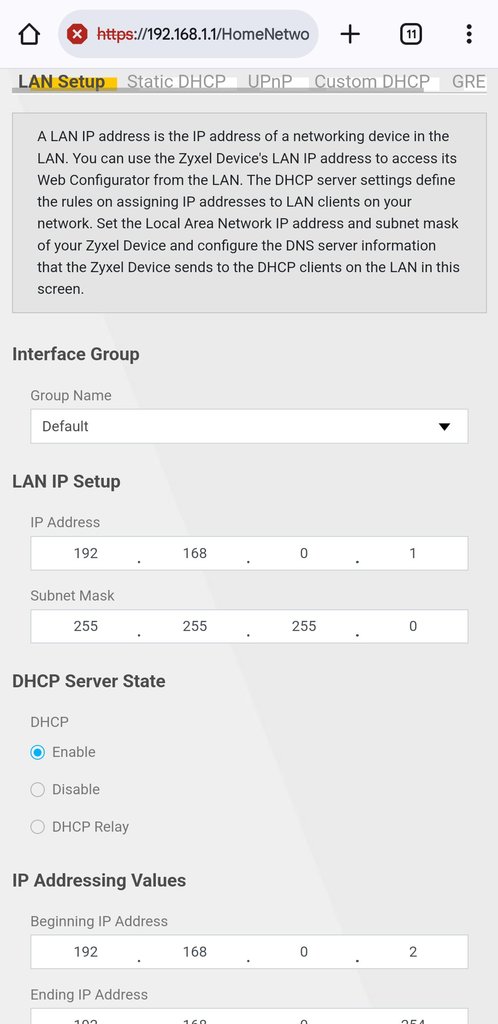
- LAN IP address will be 192.168.1.1
- DHCP will be reset to default setting
Poi modificherei solo il minimo della mutua..
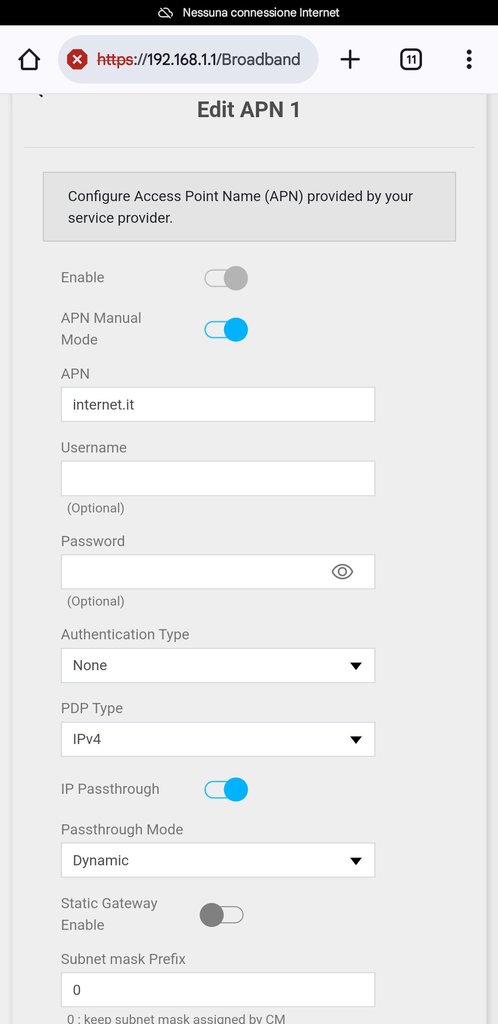
"Network setting" > "Broadband" > "Cellular APN" modificare il primo profilo
APN manual mode {attiva}
APN: internet.it { oppure quello dello del tuo operatore }
IP Passthough {attiva}
Attendi qualche minuto di sicurezza
Poi nel Maintenance > Firmware Upgrade
Verificherei se è presente online un nuovo firmware...
Io ho fatto così alla prima accensione del NR7302 di un mio collega.
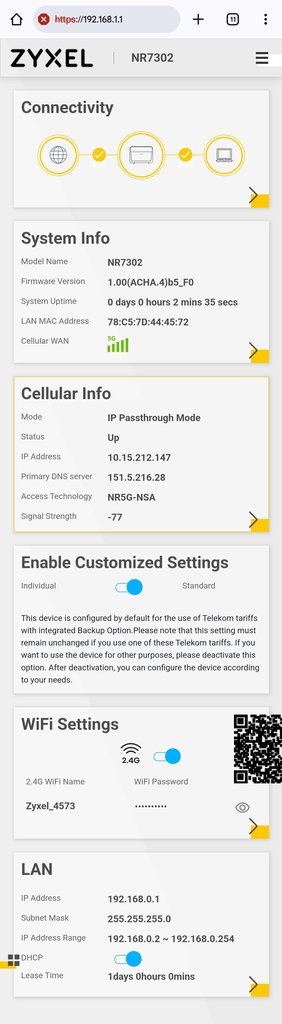
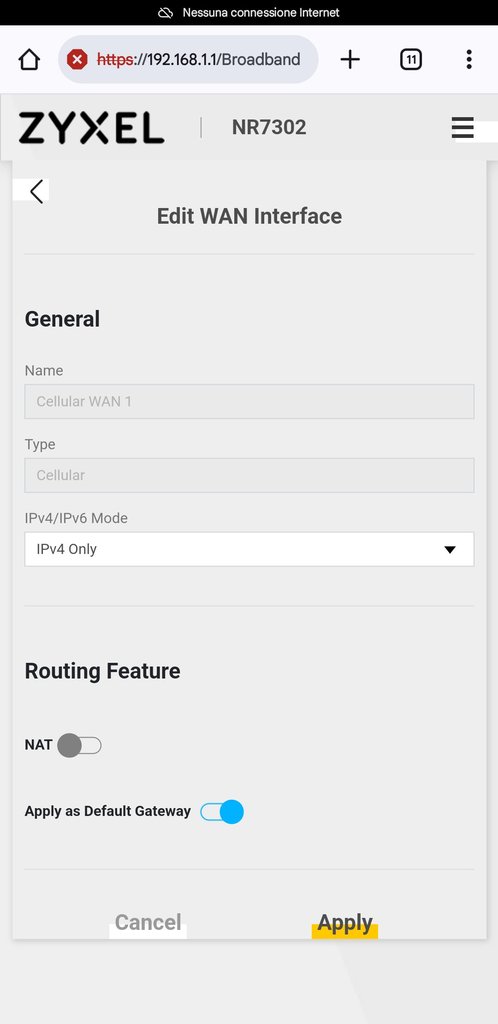
Infine ho configurato in DHCP l'interfaccia WAN del suo router di casa...