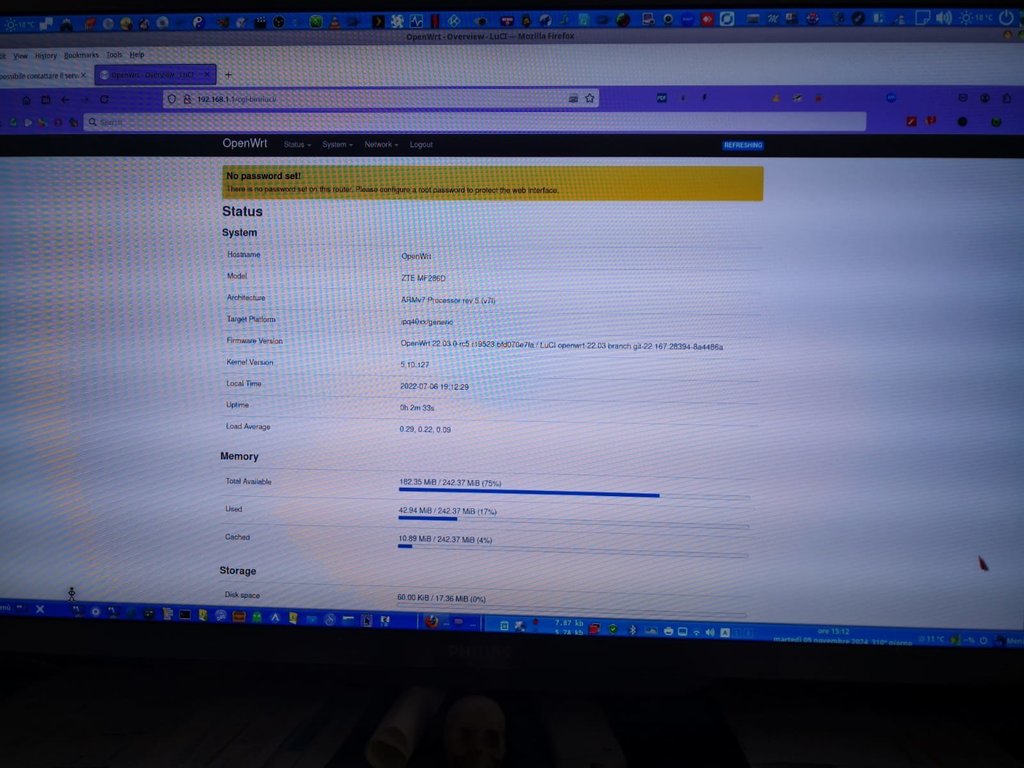
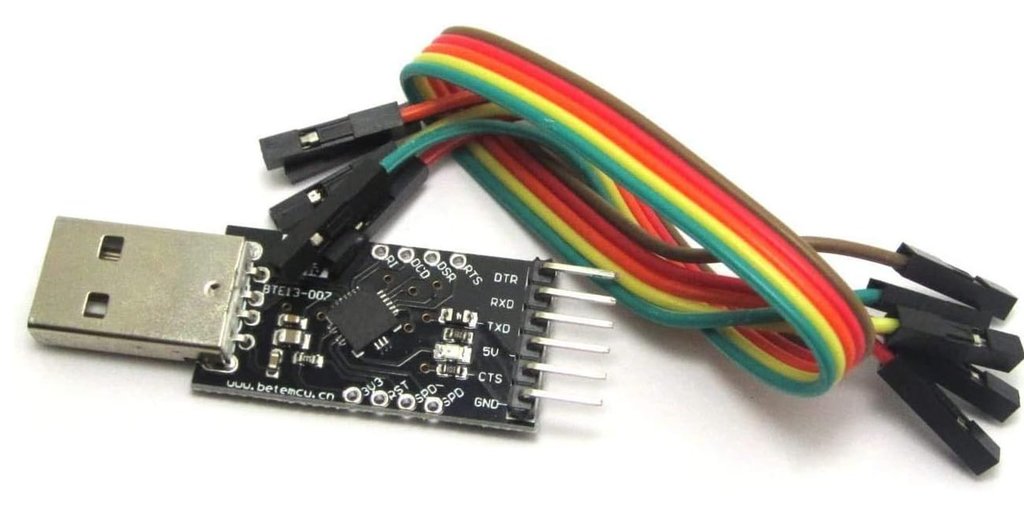
Grlschia puoi installare questo:
https://mirror-03.infra.openwrt.org/releases/23.05.5/targets/ipq40xx/generic/openwrt-23.05.5-ipq40xx-generic-zte_mf286d-squashfs-sysupgrade.bin
23.05.5 ultima versione.
Inoltre per usare apn devi installare questi pacchetti.
opkg update
opkg install kmod-usb-serial-option
opkg install kmod-usb-serial
opkg install kmod-usb-serial-wwan
opkg install usb-modeswitch
opkg install kmod-mii
opkg install kmod-usb-net
opkg install kmod-usb-wdm
opkg install kmod-usb-net-qmi-wwan
opkg install uqmi
opkg install kmod-usb-net-cdc-mbim
opkg install luci-proto-qmi
opkg install luci-i18n-base-it
opkg install kmod-usb-serial kmod-usb-net kmod-usb-serial-wwan kmod-usb-serial-option kmod-usb-net-qmi-wwan kmod-usb-net-cdc-mbim
opkg install modemmanager
opkg install luci-proto-modemmanager
Collegati ad una fonte di internet come per esempio wifi Repeater per scaricare il pacchetto qmi.
https://openwrt.org/docs/guide-user/network/wan/wwan/modemmanager
Dopo l'installazione dei pacchetti procedi con il riavvio del router, poi vai su interface clicca sulla wan edit e modifica e seleziona qmi o modemmanger da li imposti apn.
Per aggiornare i moduli del modem oltre al firmware scarica
opkg install picocom
questo strumento permette di aumentare passoà-passo i moduli del modem salendo passo passo di tutti fino alla verione b11 o b12.
questo è il comando per entrare ad aggiornare i moduli: picocom /dev/ttyUSB1
da qui inserisci:
Extract each file called imageB0XnaB0Y (where X is the current build, and Y is the target version).
If your modem is at build 1.0.0B03, you should use files inside imageB03naB06 and so on.
On the folder where you need to update, copy the two files called "delta.package" and "delta.signature" into /tmp folder of your OpenWRT router (on that machine you should have also ADB package installed)
SSH into router, then goes on /tmp and copy these two files into /cache folder of the modem:
adb push delta.package /cache/
adb push delta.signature /cache/
Then open again a session with picocom/minicom to /dev/ttyUSB1 and to these commands:
at+fotactr=0
+FOTACTR: 0,0 <-- if 0, the modem see the update package
at+fotactr=1
+FOTACTR: 1,0 <-- if 0, validation is ok, 1 is failed, 2 is waiting
at+fotactr=5
+FOTACTR: 5,486202 <-- the last number is the byte of the update package (in this case is 486kbyte for the latest OTA to B11)
!!!! THIS COMMAND SHOULD BE DONE ON EACH UPDATE !!!!
at+fotactr=8
+FOTACTR: 8,0 <-- if 0, this will remove old *.flg file from the /cache directory used by latest upgrade
If everything is correct, issue this command will start the update
at+fotactr=2
After 5 minutes the modem will reboot and bring up again. It's necessary to do another "reboot" that will update the "ATI" command output.
You can do this "twice reboot" just on the latest update, so if you are con B03, go up to B11 (you have to copy each time the delta files), when you have done the latest update, just power cycle the router.